
Screenshots

App details
- Updated
- Apr 11, 2025
- Language
- Afrikaans 48 moreLanguagesAfrikaansAmhar...
- Developer
- iDruf
- Category
- Mobile
SoftPas in:
This product is also available in the following languages:
About uView Player
Floating HD Video Player for Multitasking
Overview
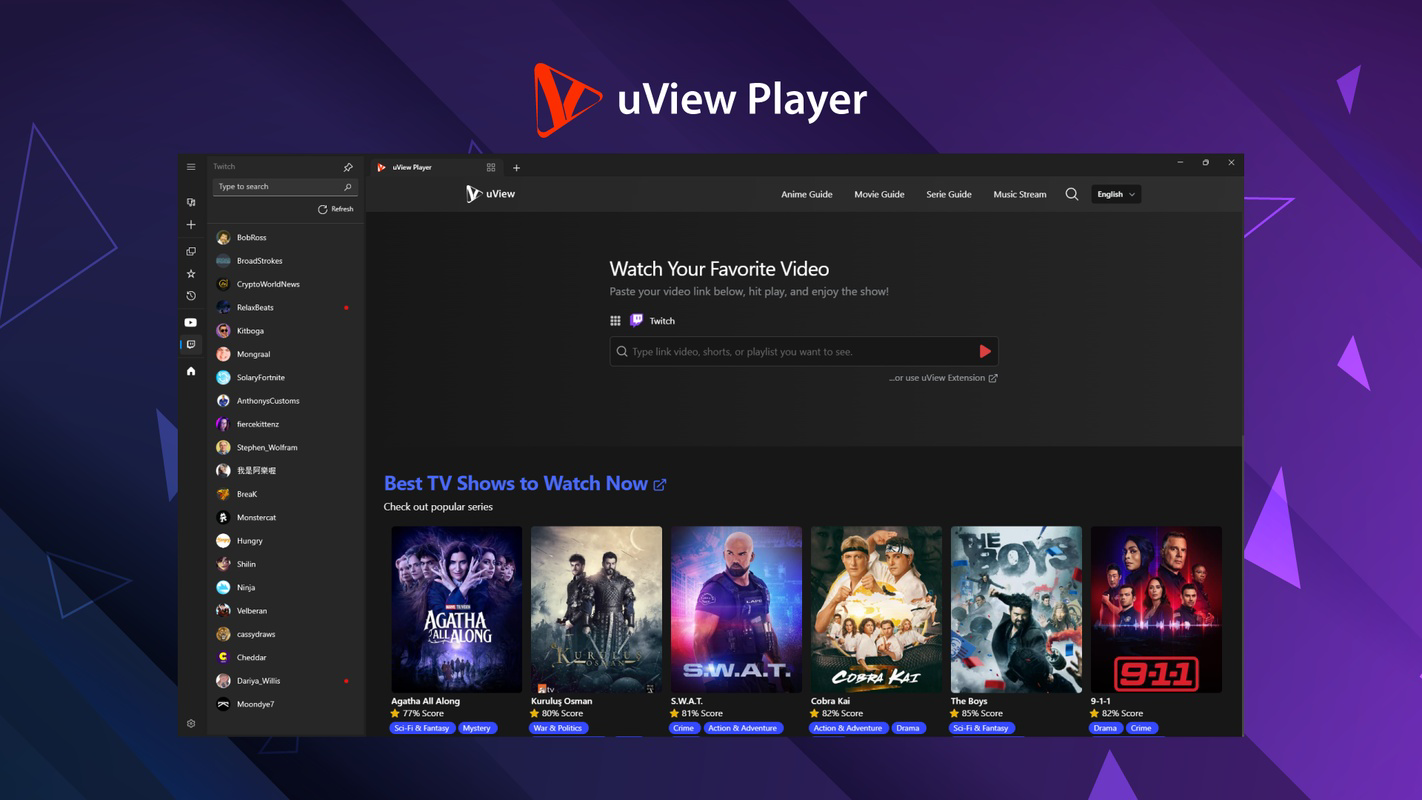
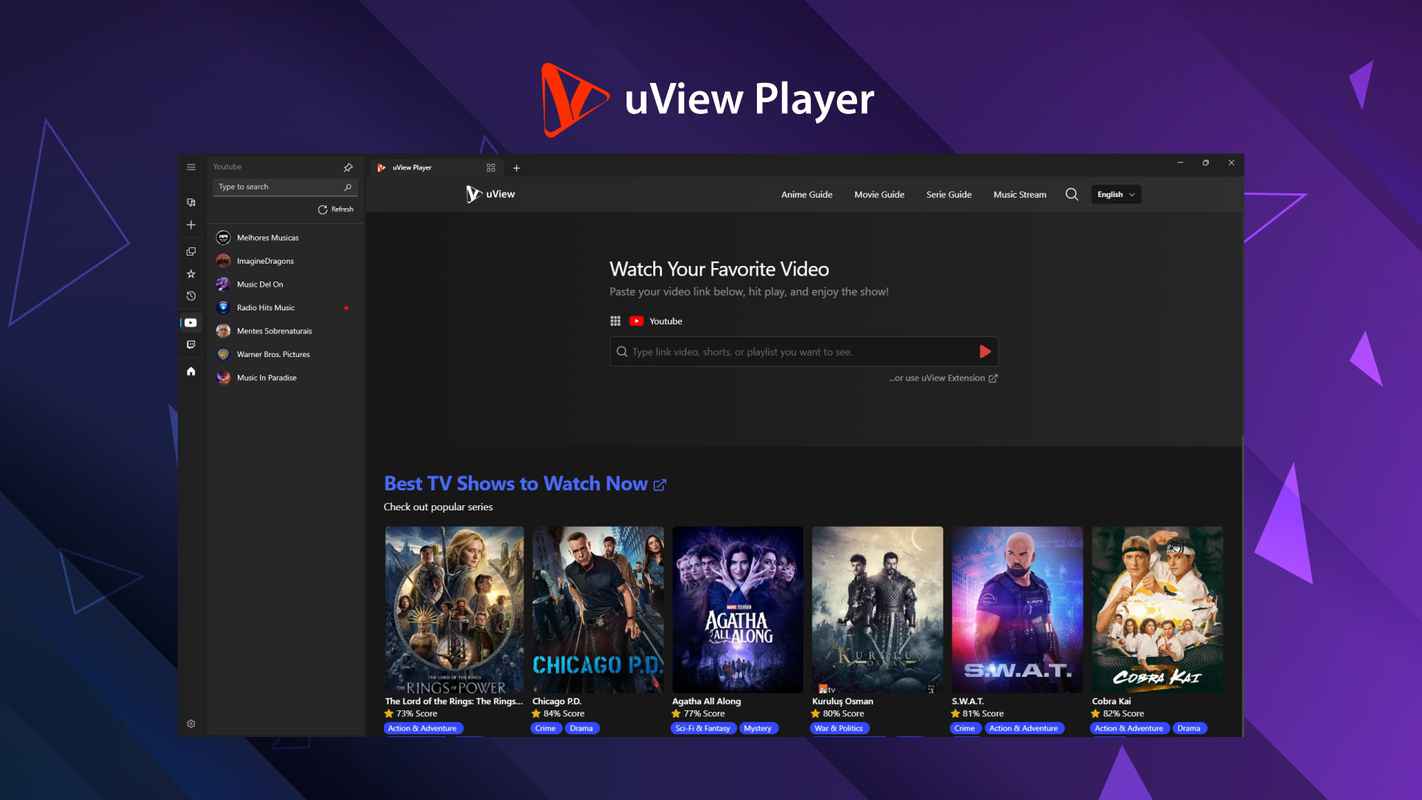
uView Player is a desktop application designed to deliver an uninterrupted, high-definition video viewing experience while users engage in other tasks. As a floating media player, it enables seamless playback of online and local video content from platforms such as YouTube, Netflix, and Crunchyroll. The software targets individuals who frequently multitask—such as remote workers, students, and content enthusiasts—by allowing them to keep videos visible without switching windows or minimizing other applications. Its lightweight design ensures minimal impact on system performance, making it suitable for both high-end and modestly equipped machines.
The developer, uView, has focused on creating a tool that enhances productivity through intuitive video management. Real-world use cases include watching tutorial videos while coding, following recipe instructions during cooking, or enjoying streaming content while working on documents. The app’s ability to operate independently of browser tabs or other media players reduces distractions and streamlines workflows. While no additional background on the developer was provided, the software’s functionality reflects a clear emphasis on usability and efficiency. Platform compatibility is confirmed for both Windows and Mac, offering broad accessibility across major desktop environments.
Key Features & Capabilities
- Lightweight and Resource-Friendly: Engineered to operate with minimal CPU and memory usage, uView Player ensures smooth performance even during extended use. This makes it ideal for users who run multiple applications simultaneously.
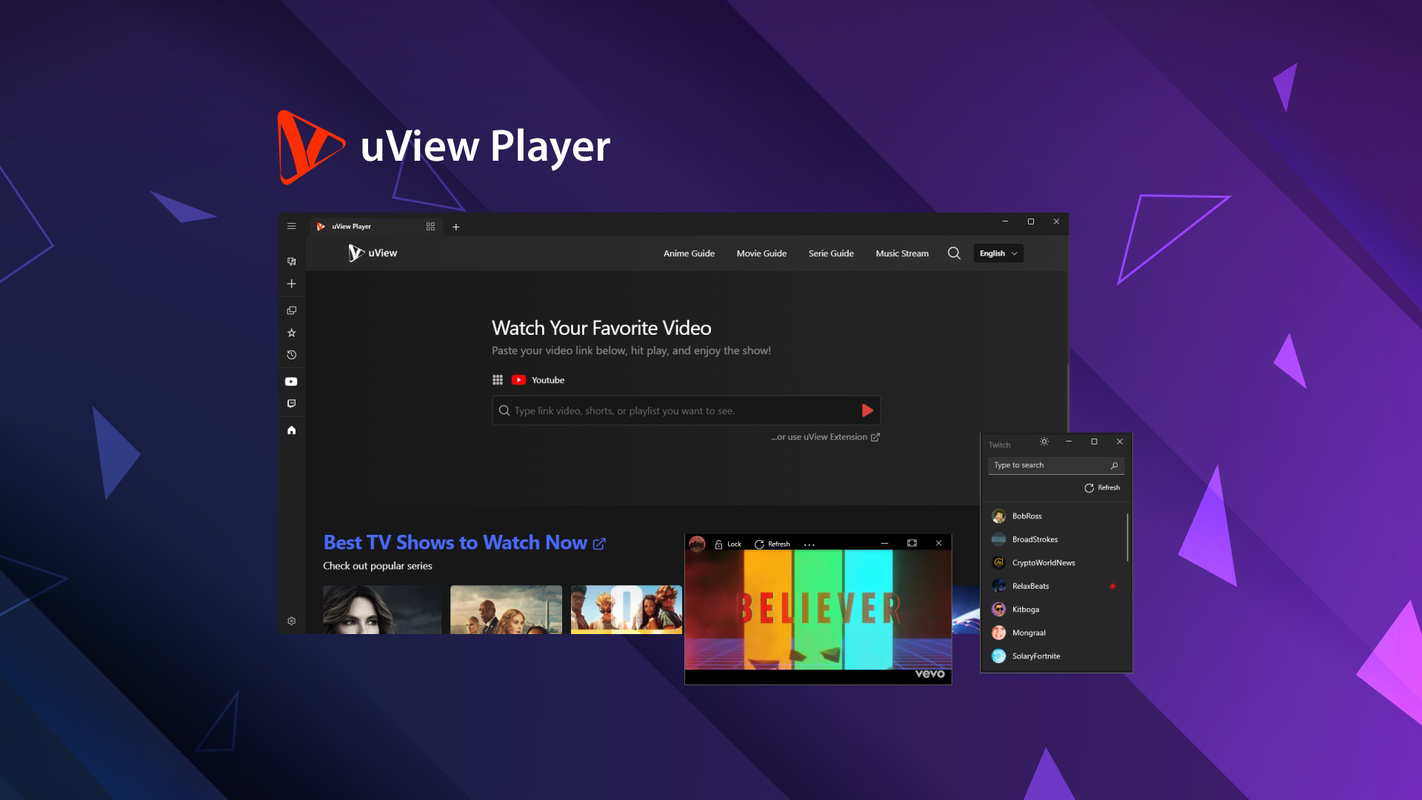
- Picture-in-Picture Mode: The floating player can be positioned anywhere on the screen, resized, and adjusted for transparency. This allows users to maintain focus on their primary tasks while keeping video content visible.
- Broad Video Support: The application supports a wide array of video formats including MP4, AVI, MKV, and others, enabling playback of both local files and streams from major online platforms with full HD quality.
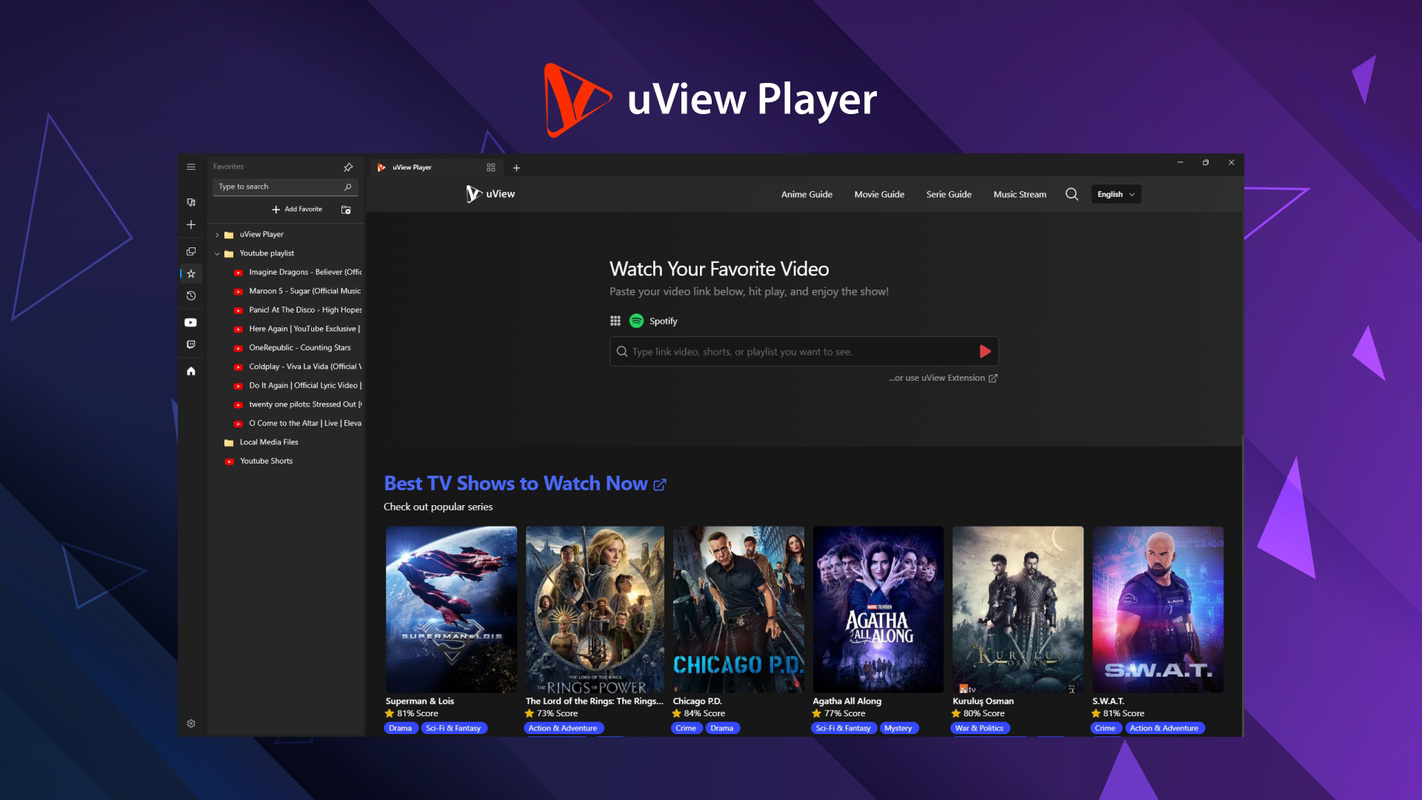
- Playlist and Bookmark Management: Users can organize favorite videos into playlists and save bookmarks for quick access, reducing time spent searching for content across different websites.
- Integrated Internet Radios: Beyond video playback, uView Player includes built-in support for internet radio stations, expanding its utility as a multimedia hub for audio content.
These features collectively support a dynamic media consumption experience, particularly beneficial in environments where continuous access to audiovisual content is essential. The combination of PIP functionality and format versatility makes it a practical tool for both casual and professional users.
User Interface, Workflow & Performance
The user interface of uView Player is designed with simplicity and accessibility in mind. Navigation is straightforward, with essential controls such as play, pause, volume, and playback speed located within the floating window. The layout avoids clutter, ensuring that users can quickly adjust settings without disrupting their workflow.
Workflow efficiency is enhanced by the ability to launch videos directly from the interface or through drag-and-drop functionality. The app integrates seamlessly into daily routines, allowing users to start playback without switching between applications. The developer did not specify resource usage details, but the lightweight nature of the software suggests optimized performance across various system configurations.
Stability appears to be a priority, as the application maintains consistent playback without frequent crashes or freezes. Performance observations are based on general software behavior patterns. No reported issues with playback stuttering or audio sync were noted in the available information.
Compatibility & System Requirements
uView Player is available for both Windows and Mac operating systems, ensuring broad accessibility across desktop platforms. The software has been released in version 2.1.3, with an installation size of 12.4 MB, indicating a compact footprint that requires minimal disk space.
Exact system requirements were not listed. Compatibility information was partially provided. Users are advised to ensure their system meets the baseline standards for running modern desktop applications. The developer did not provide additional system requirements, so installation and operation may depend on standard OS capabilities.
Pros and Cons
Pros
- Lightweight design with minimal system impact
- Flexible picture-in-picture mode with adjustable transparency
- Supports multiple video formats and online streaming platforms
- Intuitive playlist and bookmark management
- Includes internet radio functionality for audio content
Cons
- Exact system requirements not specified
- No information on update frequency or release cycle
- Platform-specific customization options not detailed
- Limited details on advanced playback features
- Performance under heavy multitasking not documented
FAQ Section
Is uView Player compatible with Windows and Mac?
Yes, uView Player is available for both Windows and Mac operating systems.
Is the software free to use?
Yes, uView Player is offered as a free desktop application with no cost for download or usage.
Can I use uView Player offline?
Yes, the application supports playback of locally stored video files, allowing for offline viewing without an internet connection.
Does uView Player support online streaming services like YouTube and Netflix?
Yes, uView Player is designed to stream videos from popular platforms including YouTube, Netflix, and Crunchyroll.
How often are updates released?
The developer has not provided information on the update schedule or frequency.
Final Thoughts + CTA
uView Player stands out as a versatile, lightweight solution for users who value uninterrupted video access while multitasking. Its floating interface, broad format support, and integrated playlist and radio features make it a strong choice for both casual viewers and productivity-focused individuals. While some technical details remain unspecified, the software delivers on its core promise: seamless, distraction-free media playback.
For those seeking a reliable desktop video player that enhances workflow efficiency and media consumption, uView Player offers a compelling combination of functionality and simplicity. Its free availability and compact size further increase its appeal.
Download uView Player now
Guides & Tutorials
How to install uView Player
- Click the Download button above.
- Once redirected, accept the terms and click Install.
- Wait for the uView Player download to finish on your device.
How to use uView Player
This software is primarily used for its core features described above. Open the app after installation to explore its capabilities.
User Reviews
No reviews yet. Be the first to share your experience.
You may also like
more
Que no te pillen¡
About !Que no te pillen¡Reviewed by Jason A. BilbreyShow MoreShow Less

3D Combat Zone
About 3D Combat ZoneOriginally released in 1983, 3D Combat Zone immerses players...

666: El día del portal
About 666: El día del portalOn June 6, 2006, Agent P. Stone uncovers a sinister...

80 in 1 Best Flash games
About 80 in 1 Best Flash games 80 in 1 Best Flash games is a collection of 80 fl...

ABYSS SEEKERーーWhat Do You See Deep in The Abyss
About ABYSS SEEKERーーWhat Do You See Deep in The AbyssIn ABYSS SEEKER, players...

ACA NEOGEO THE KING OF FIGHTERS 2002 for Windows
About ACA NEOGEO THE KING OF FIGHTERS 2002 for WindowsTHE KING OF FIGHTERS 2002,...